


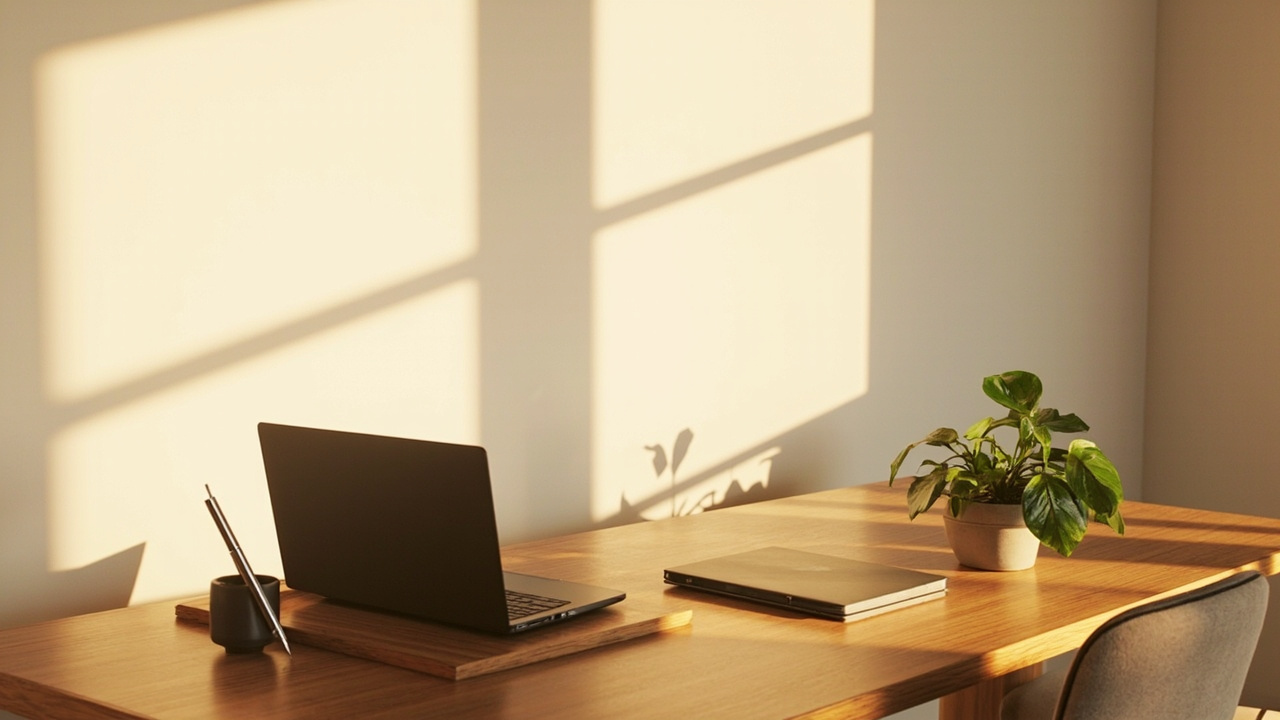
A minimalist desk is a productivity tool, not an aesthetic exercise. Clear surfaces, purposeful storage, and intentional lighting reduce cognitive load so your best work can surface quickly.
These three setups focus on essentials: what stays, what goes, and how your body fits into the work. Expect actionable tips you can implement in an afternoon and maintain long-term.
- 1. Minimalist Desk Essentials for Productivity
- 2. Declutter Strategies for Small Workspaces
- 3. Selecting a Compact Ergonomic Chair
- 4. Cable Management Tricks That Stick
- 5. Monochrome Color Schemes for Focus
- 6. Choose Multipurpose Desk Accessories
- 7. Under-desk Storage Solutions That Work
- 8. Lighting Choices for Eye Comfort
- 9. Minimal Tech Setup for Creatives
- 10. Sustainable Materials for Simple Desks
- 11. Plants and Texture Without Clutter
- 12. Designing a Distraction-Free Zone
- 13. Personalization with Subtle Accents
- 14. Flexible Layouts for Hybrid Work
- 15. Maintaining Minimalism Long-Term
- FAQ
- Final Thoughts
1. Minimalist Desk Essentials for Productivity
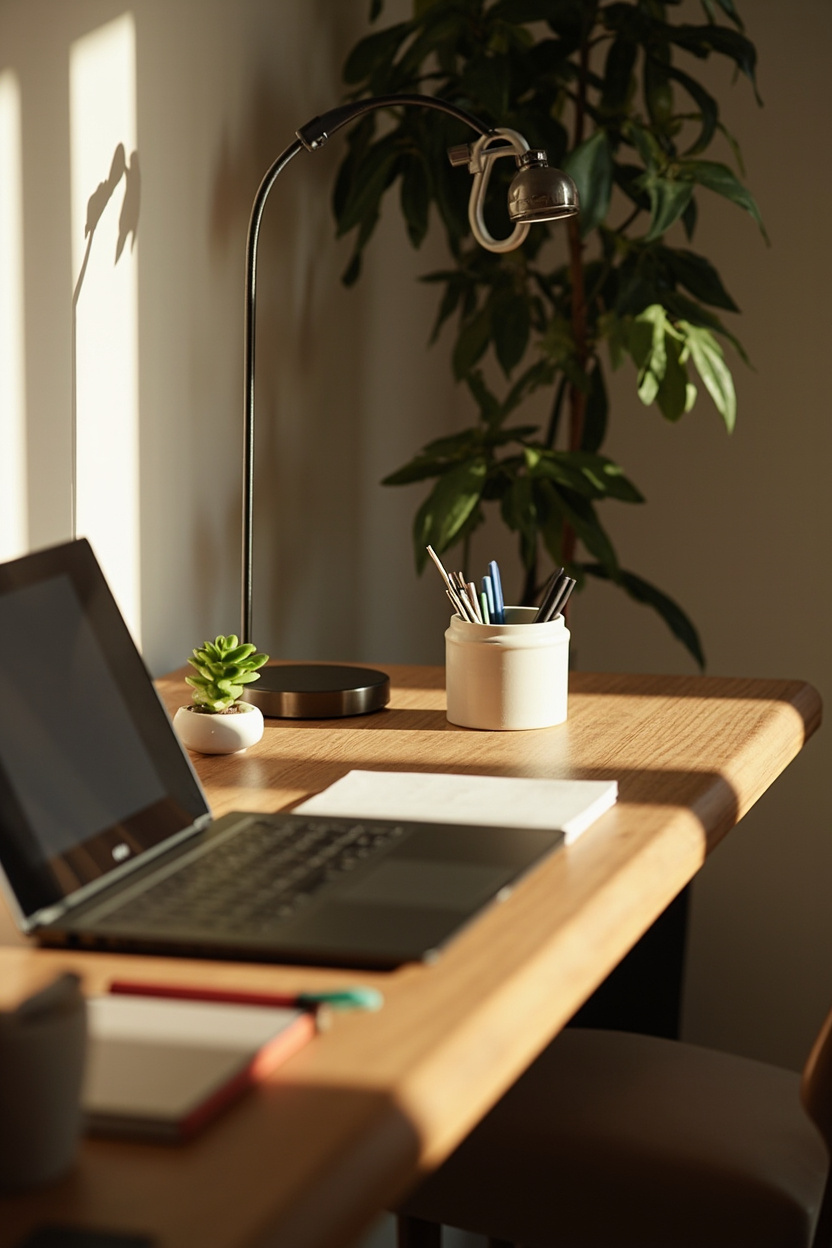
Choose a limited palette of functional items: one quality monitor or laptop, a reliable keyboard and mouse, a simple task lamp, and a single catchall for small tools. Fewer items mean fewer interruptions and faster context switching when deep focus is required.
Prioritize surface ergonomics and task zoning. Keep frequently used items within arm’s reach and reserve a clear work zone for writing or sketching to maintain flow and reduce decision fatigue.
2. Declutter Strategies for Small Workspaces
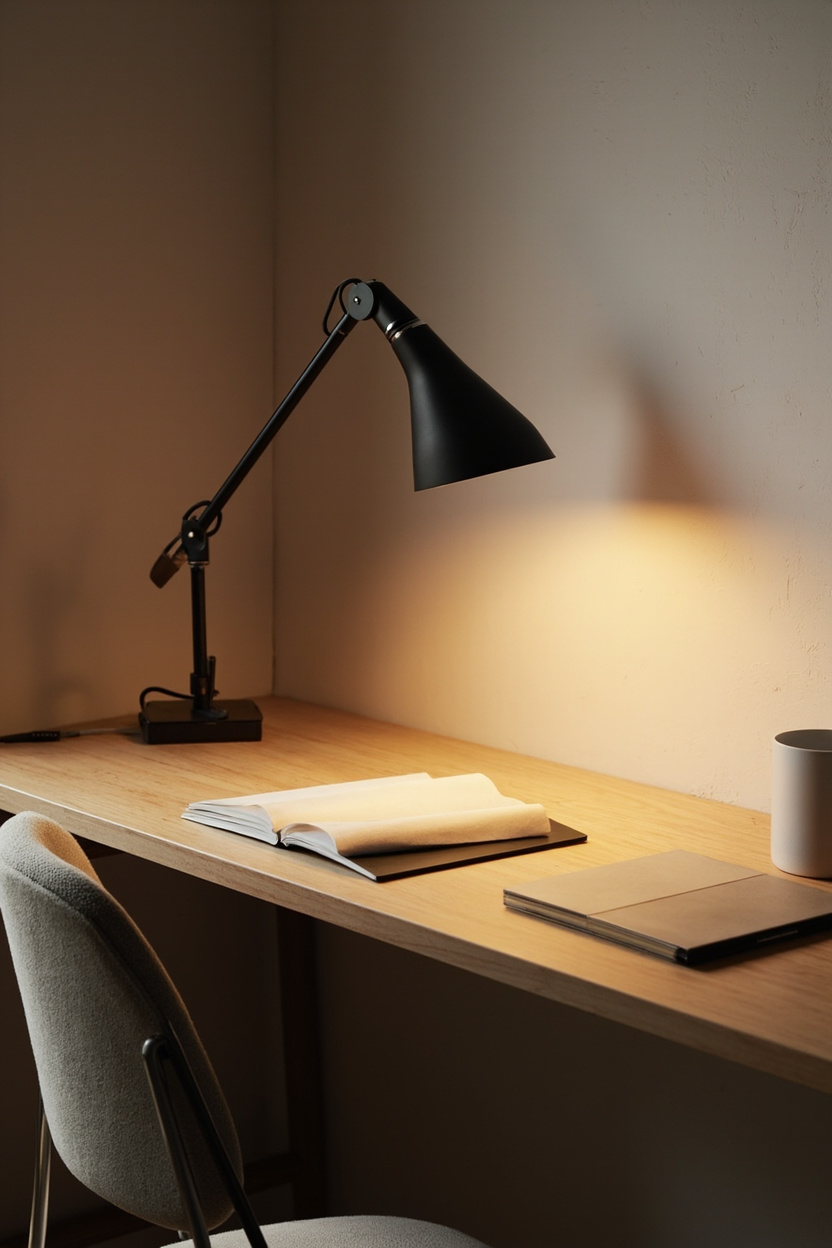
Adopt one-item-in, one-item-out rules and weekly 10-minute resets to prevent small piles from becoming visual noise. Use vertical storage and slim-wall solutions to reclaim desk surface without crowding the floor.
Use hidden storage for non-daily items and a single visible anchor like a plant or framed print, to humanize the space without adding clutter.
For style-forward minimalism, draw inspiration from neutral farmhouse or cottage touches to keep the look warm and tidy, as seen in related staging ideas.
3. Selecting a Compact Ergonomic Chair
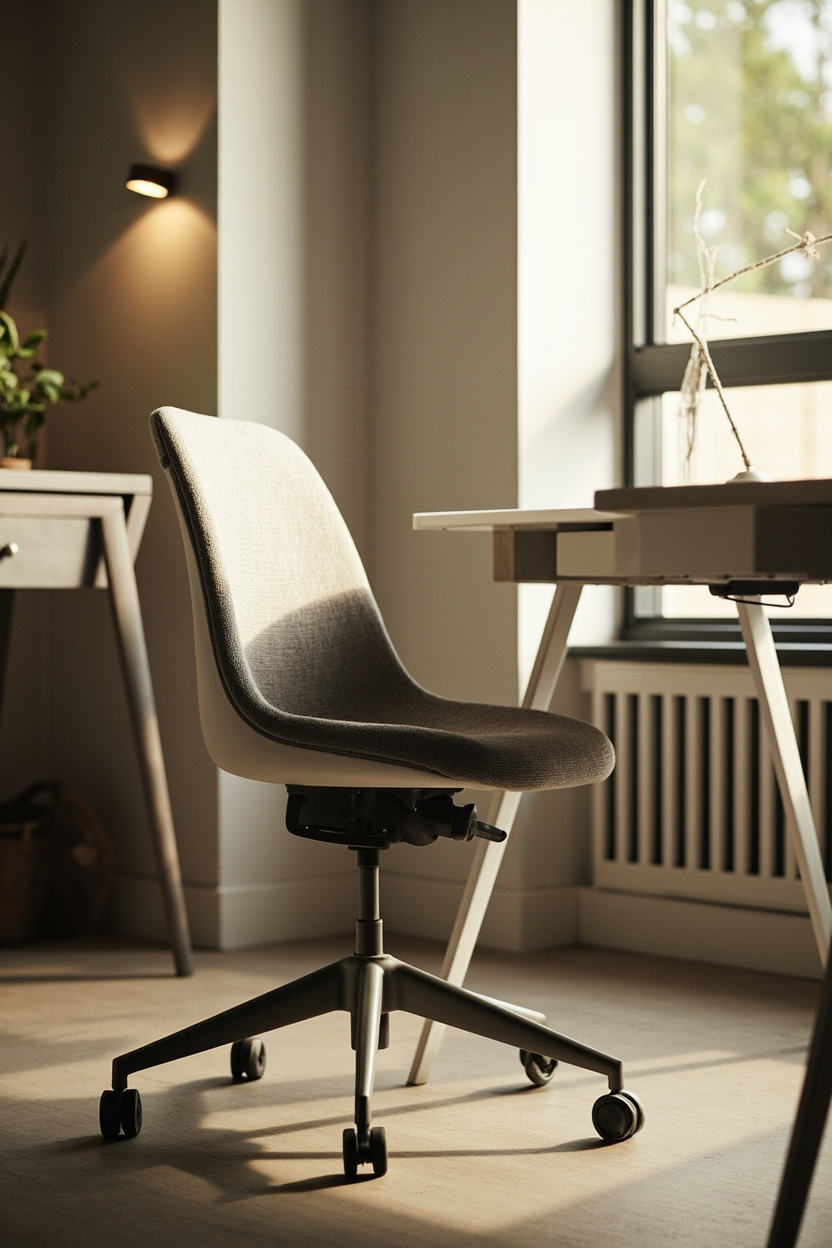
Compact ergonomic chairs balance support with a small footprint: look for adjustable lumbar support, seat depth options, and a breathable seat material. Proper support reduces microbreaks and helps sustain deep focus sessions without discomfort.
Measure your workspace before buying and test seat height and mobility for your routine task chairs with casters, improve reach in tight setups, while armless options save clearance for narrow desks.
Consider pairing the chair with a simple lumbar cushion for customizable support.
4. Cable Management Tricks That Stick
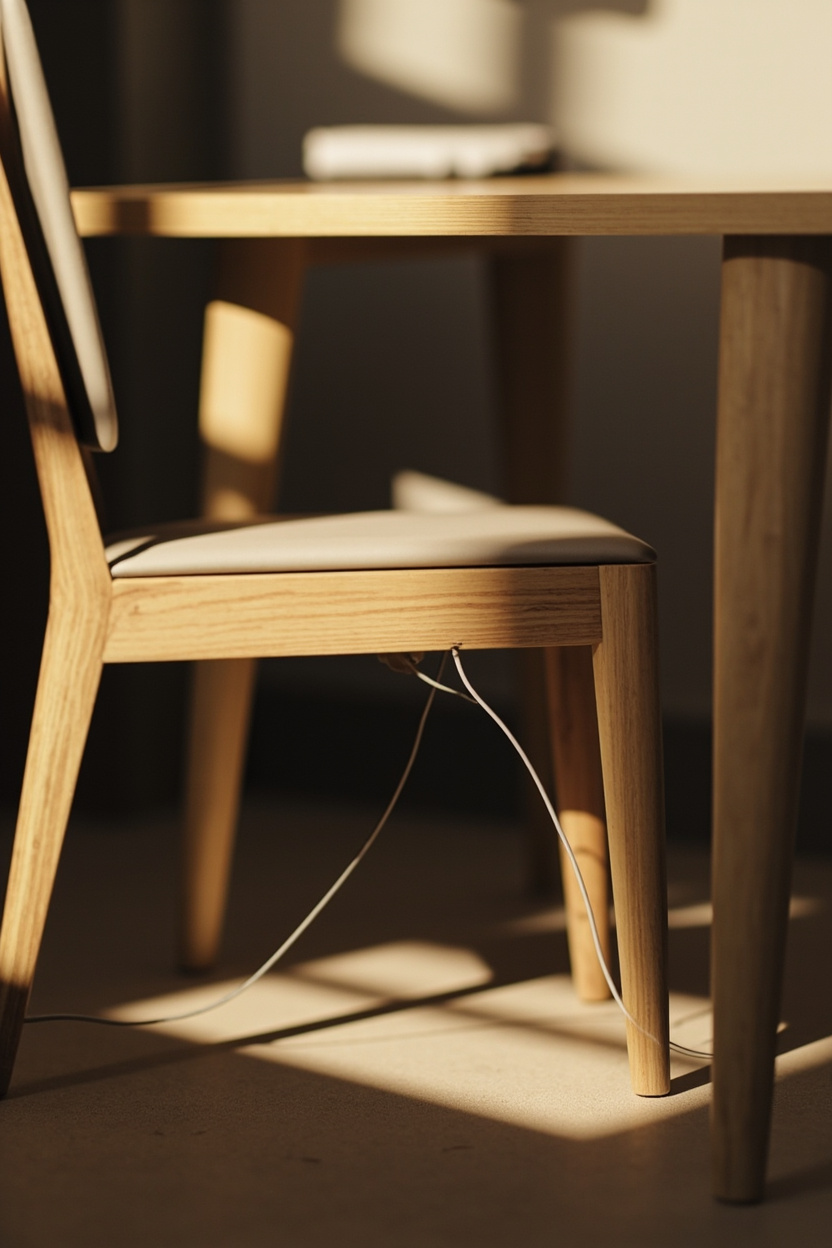
A tidy cable system removes visual clutter so your attention stays on the task at hand. Use adhesive cable channels and low-profile cable sleeves to route wires along the underside of the desk and behind legs; this keeps cords out of sight without complicated installs.
Label and group cords by function, power, peripherals, and chargers so maintenance is quick and predictable.
Simple Velcro straps and a small under-desk power strip with a switch make daily resets fast and prevent accidental unplugging during focused sessions.
5. Monochrome Color Schemes for Focus
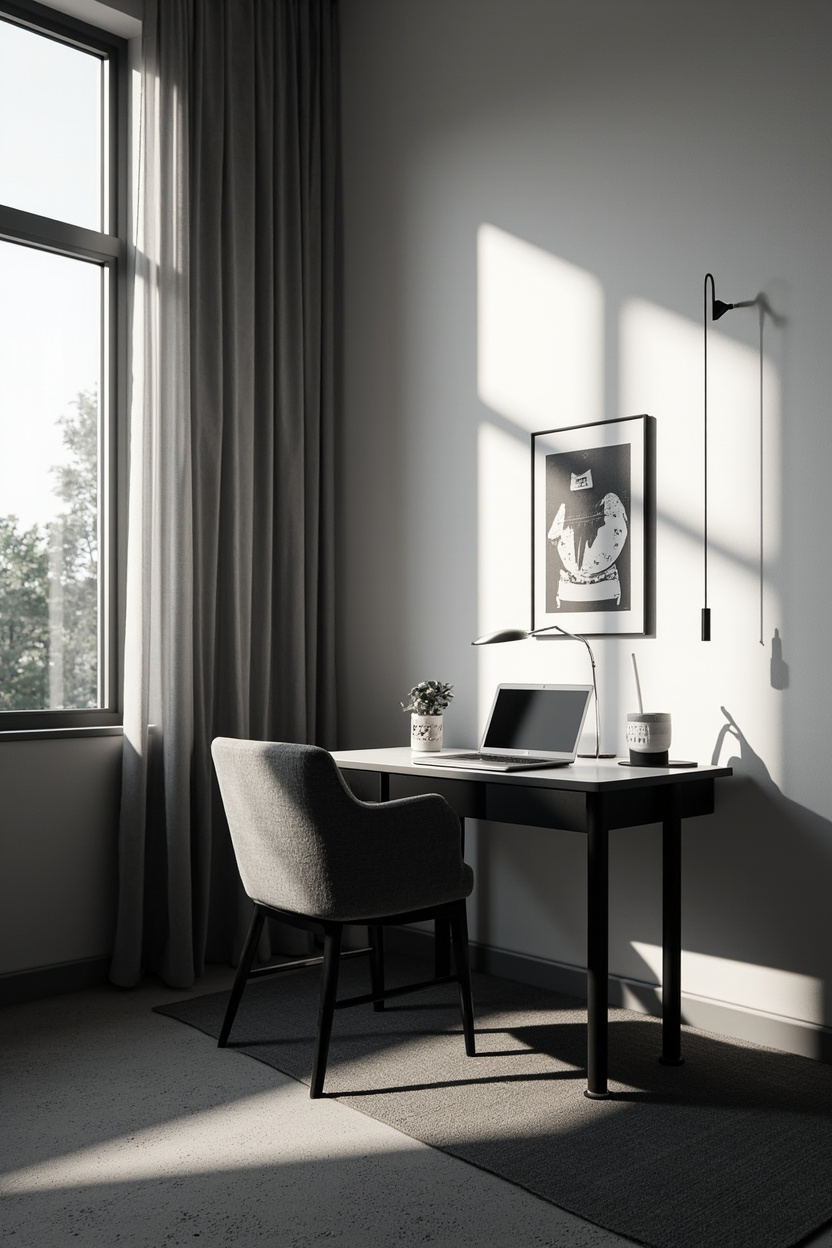
A restrained palette reduces distractions and creates a calm backdrop for deep work. Choose a dominant neutral soft gray, warm beige, or black and introduce one subtle accent for contrast, applying it sparingly to a lamp or mousepad to maintain visual hierarchy.
Texture matters more than variety: matte finishes, natural wood grain, and woven textiles add depth without breaking the minimalist promise.
For inspiration in complementary room styles, try combining these tones with elements from White Farmhouse or Living Room Decor Boho Touches to keep the look warm and intentional.
6. Choose Multipurpose Desk Accessories
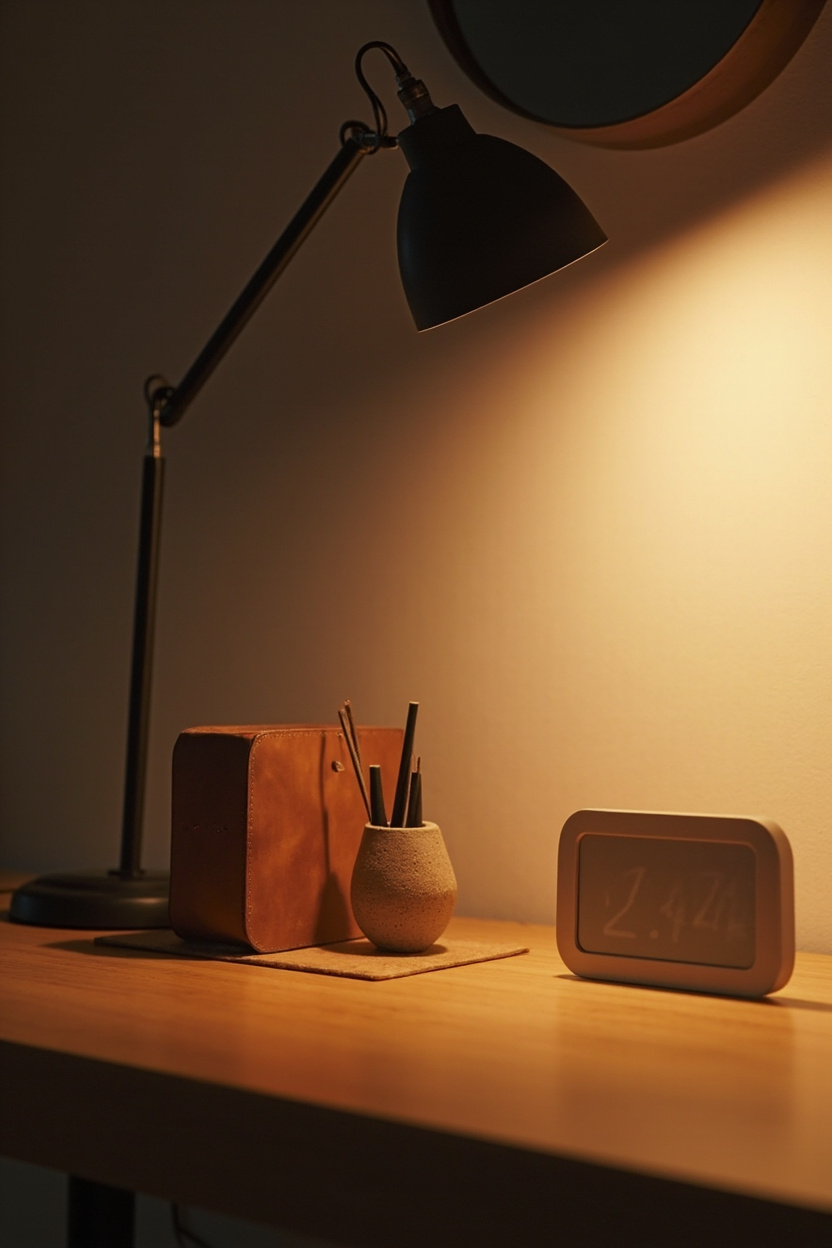
Select tools that solve multiple needs, like a monitor riser with a built-in drawer or a desk tray that doubles as a laptop stand to free surface area while keeping essentials accessible.
Fewer objects that perform well reduce decision fatigue and maintain clear sightlines.
Prioritize items that integrate storage and ergonomics, such as an angled document holder that also props a tablet. If you want cohesive styling ideas that balance utility and charm, explore Cottage Bedding Ideas for soft textures or Minimalist Bathroom Lighting for lessons in unobtrusive function.
7. Under-desk Storage Solutions That Work
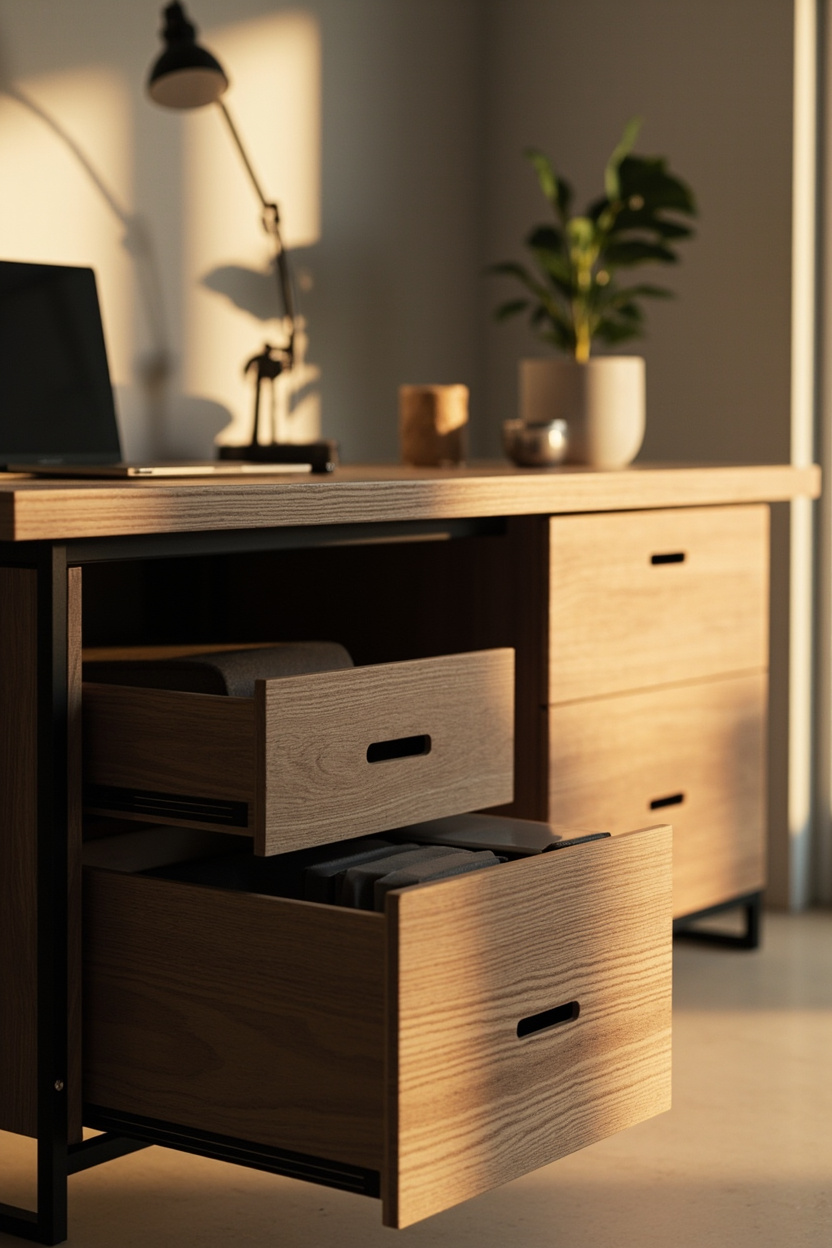
Under-desk storage should simplify, not clutter. A shallow drawer or slim sliding shelf keeps frequently used items, such as notebooks, chargers, and pens, within reach while preserving legroom and the clean lines essential to minimalist desks.
Choose modular solutions that can be repositioned as needs change: a mobile pedestal or hanging organizer mounted beneath the desktop allows quick access without breaking the visual calm.
Prioritize opaque or neutral finishes so storage blends into the desk silhouette and maintains a focused workspace.
8. Lighting Choices for Eye Comfort
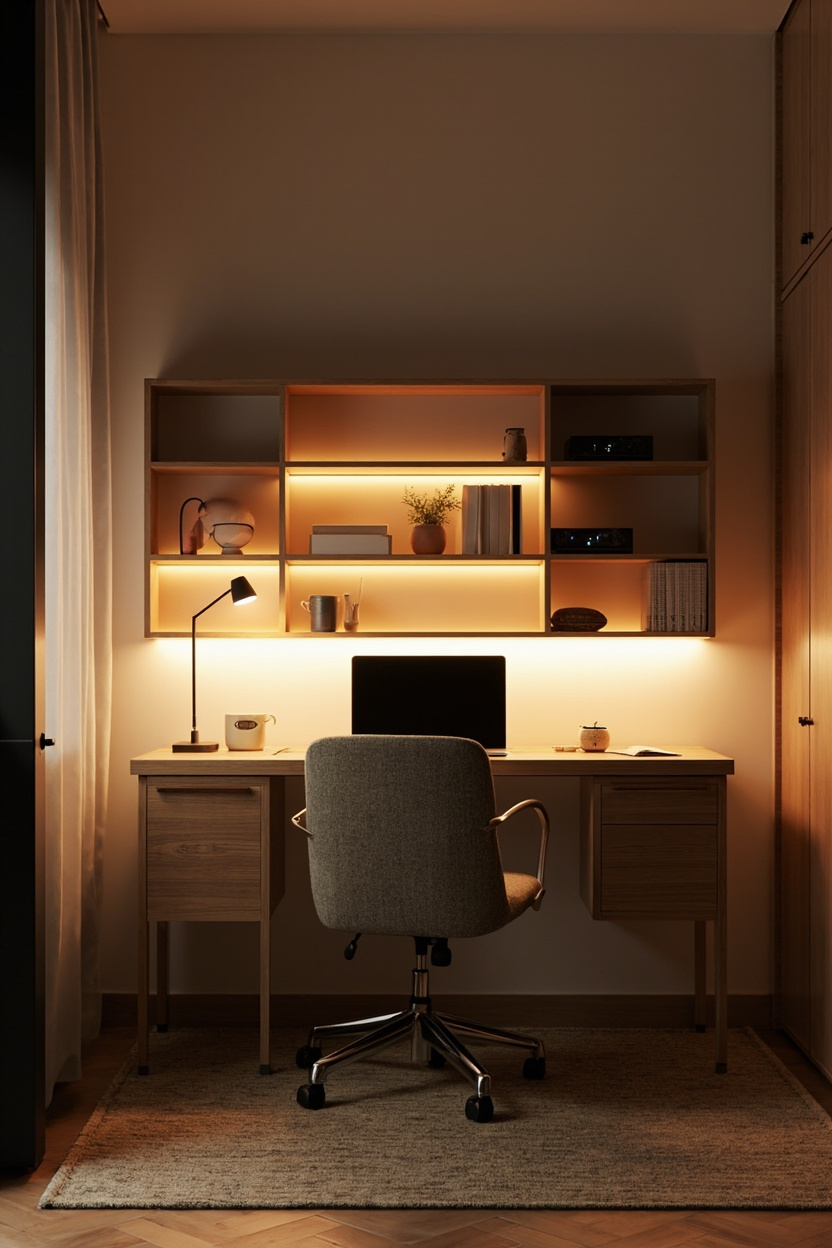
Task lighting with adjustable color temperature reduces eye strain and supports different work modes; cooler tones for focused work and warmer tones for breaks. Position an articulating desk lamp to avoid screen glare, with the light source coming from behind or to the side of the primary viewing angle.
Layered lighting, combining a low-level ambient light with a focused task lamp, keeps contrast comfortable across the desk area.
For minimalist spaces, choose fixtures with slim profiles and dimming controls to maintain both function and aesthetic harmony.
9. Minimal Tech Setup for Creatives
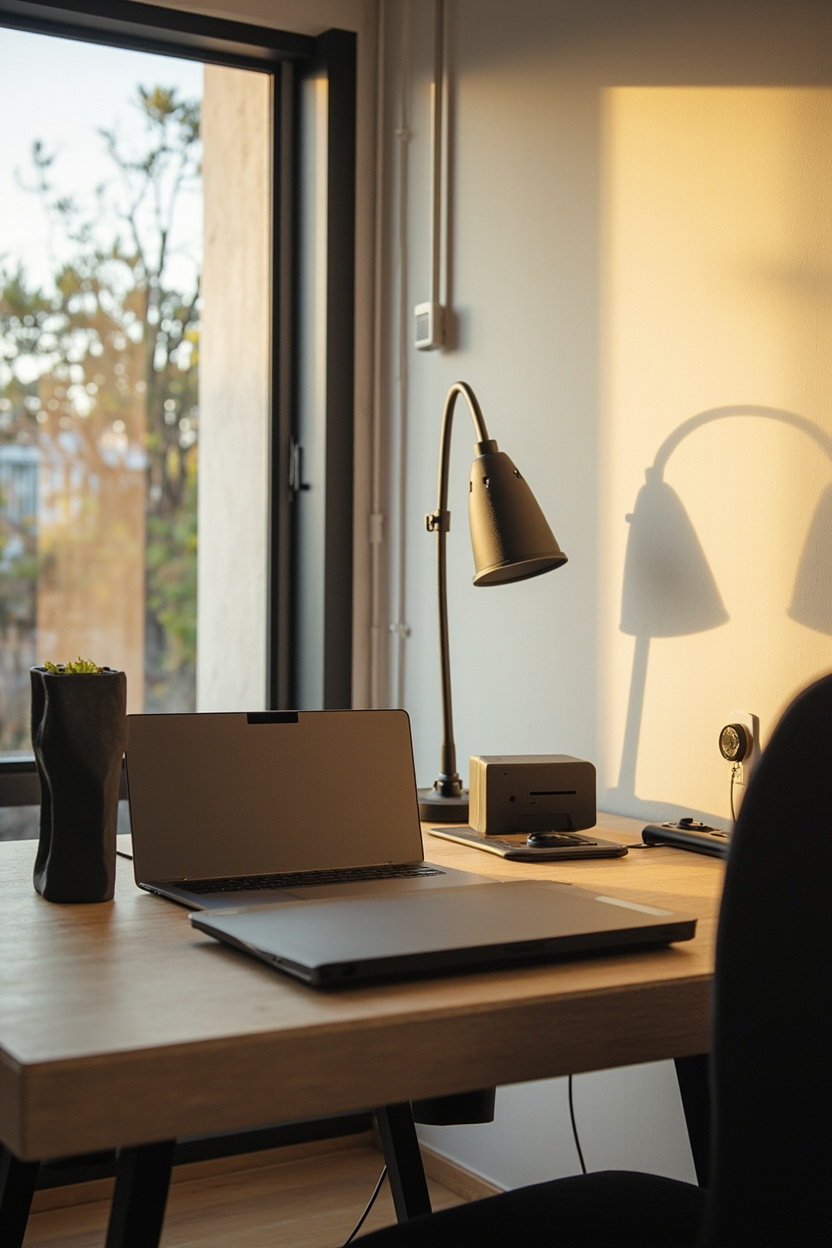
A creative-focused minimal setup means investing in fewer, higher-quality tools: a fast, portable laptop, a single external monitor or tablet for sketching, and a compact, tactile keyboard.
Keep cables managed with a single under-desk power strip and routed channels to preserve a clean surface that encourages deep work.
Prioritize multifunction devices docking stations that handle power, display, and peripherals—so switching between tasks is seamless.
Limit peripheral clutter to essentials only: a precision mouse or stylus, headphones, and one external drive tucked into under-desk storage to maintain both speed and serenity.
10. Sustainable Materials for Simple Desks
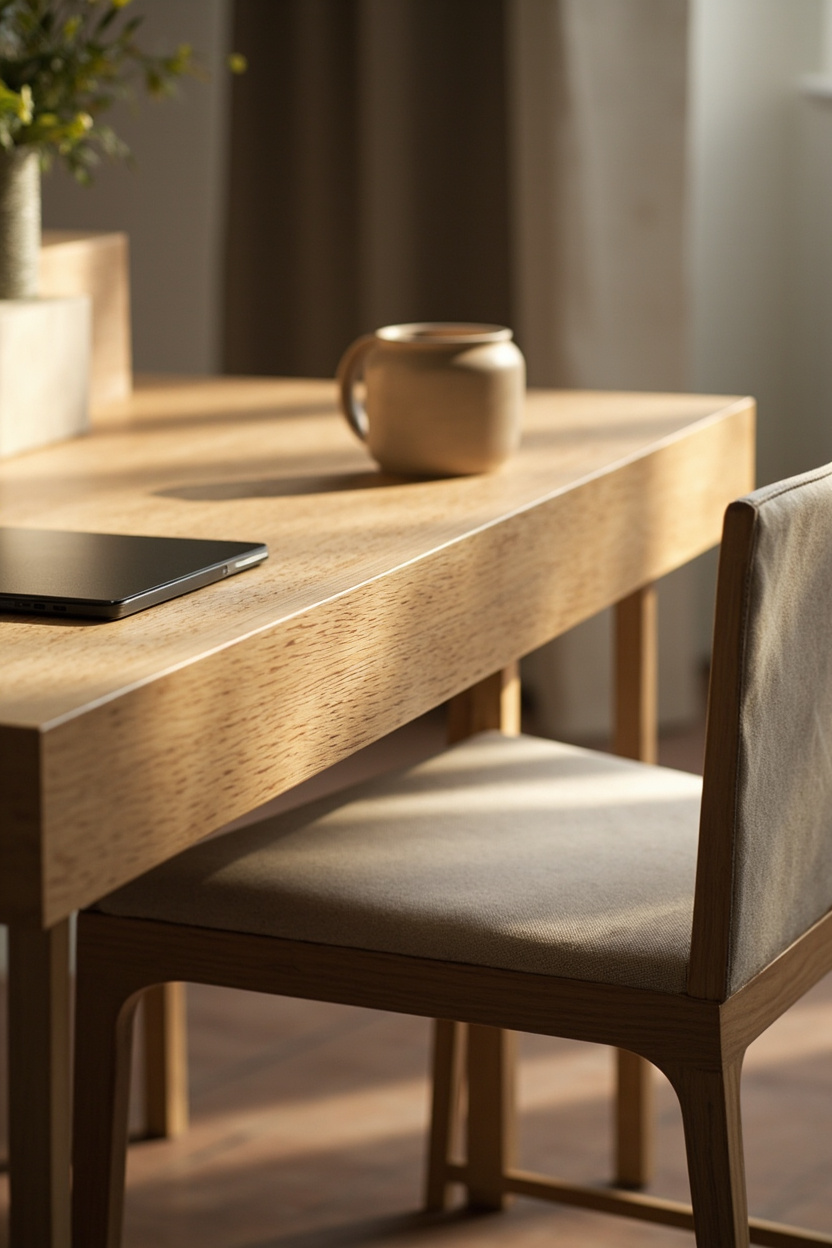
Choose desk surfaces made from responsibly sourced wood, reclaimed timber, or certified bamboo to keep lines clean while reducing environmental impact.
These materials age gracefully and often require minimal finishes, which preserves the minimalist aesthetic without synthetic shine.
Pair sustainability with durability: opt for solid joinery and powder-coated metal legs instead of veneers that peel. A well-built piece means fewer replacements and a calmer workspace, an essential principle in designing your ideal desk setup for long-term focus.
11. Plants and Texture Without Clutter
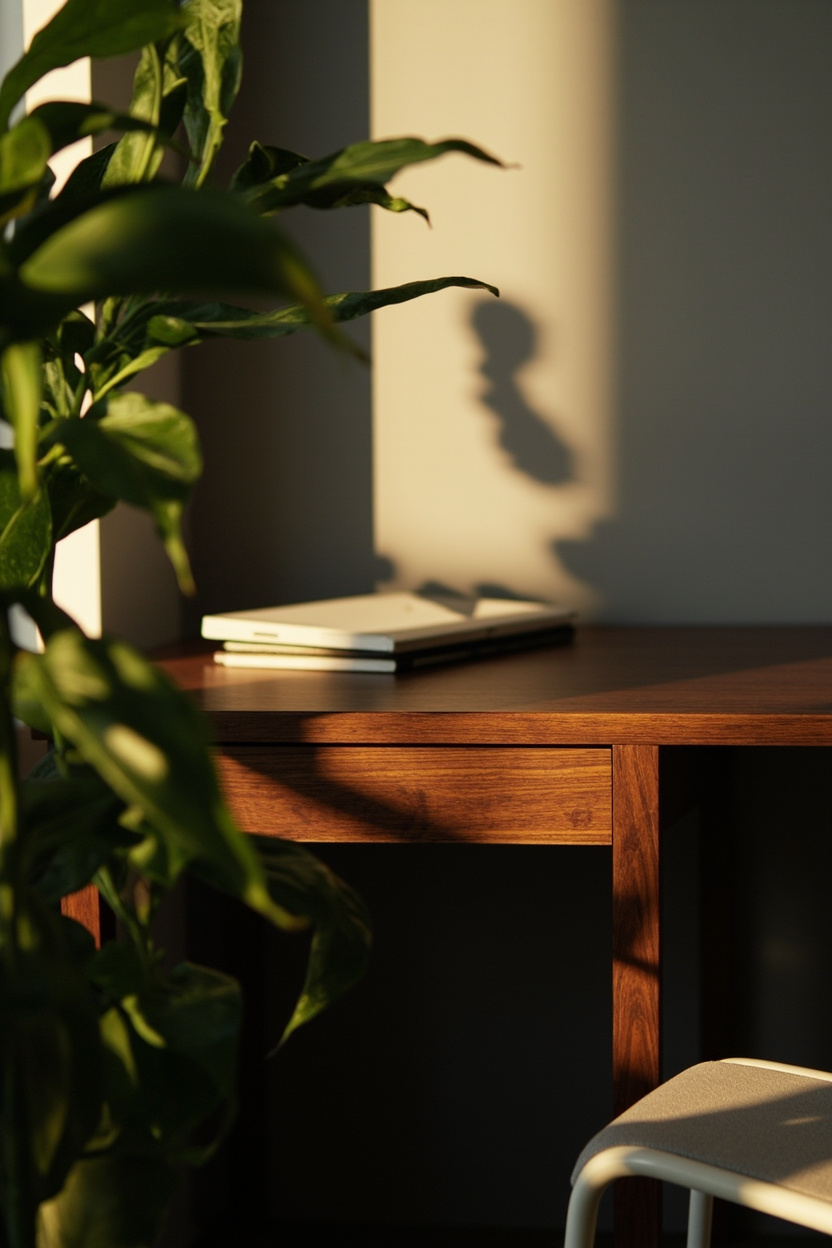
Introduce a single sculptural plant like a snake plant or ZZ to add life and gentle texture without taking up visual real estate. Use a low-profile pot and place it at the corner or on a narrow shelf to keep the desktop surface open for work.
Complement the plant with one tactile element, such as a linen desk mat or a woven coaster, to provide warmth and a sensory anchor that grounds the space. These subtle touches prevent sterility while maintaining the minimalist promise of uncluttered focus.
12. Designing a Distraction-Free Zone
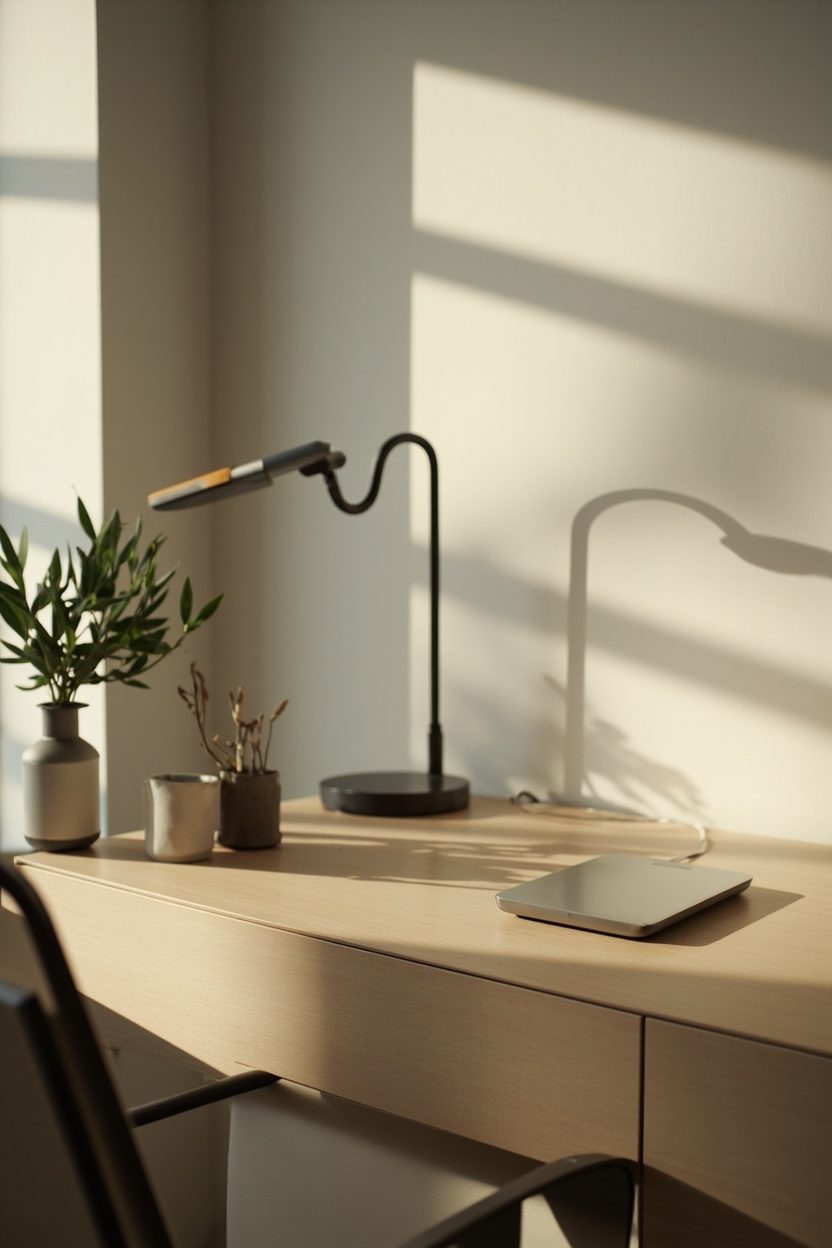
Start by zoning: position your desk so the field of view contains only calming, intentional items and faces away from high-traffic areas. Use cable management, shallow trays, and a single-purpose tray for incoming paperwork to keep visual noise to a minimum.
Layer in soft acoustic textiles or a minimal screen if ambient noise is an issue, and establish one simple routine, clear desk, clear mind, so the environment consistently supports deep work rather than momentary bursts of productivity.
13. Personalization with Subtle Accents
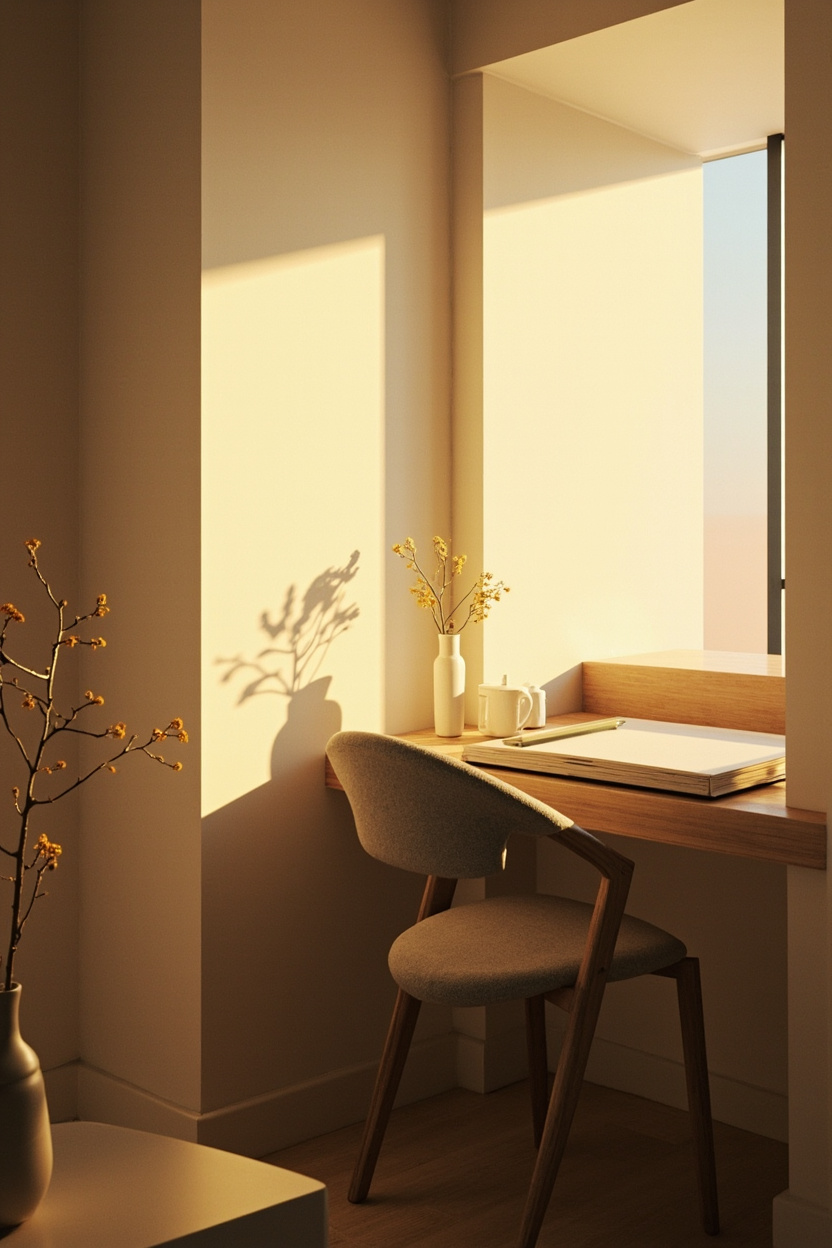
Keep personality but avoid visual clutter by choosing one or two meaningful accents—a small ceramic planter, a slim photo frame, or a tactile notebook.
These items give the desk warmth without competing with task focus, and their restrained scale preserves the clean lines essential to minimalist design.
Rotate accents seasonally or by project to keep the workspace fresh and intentional. Changing a single element prevents accumulation while offering a simple ritual that signals the start of deep work.
14. Flexible Layouts for Hybrid Work
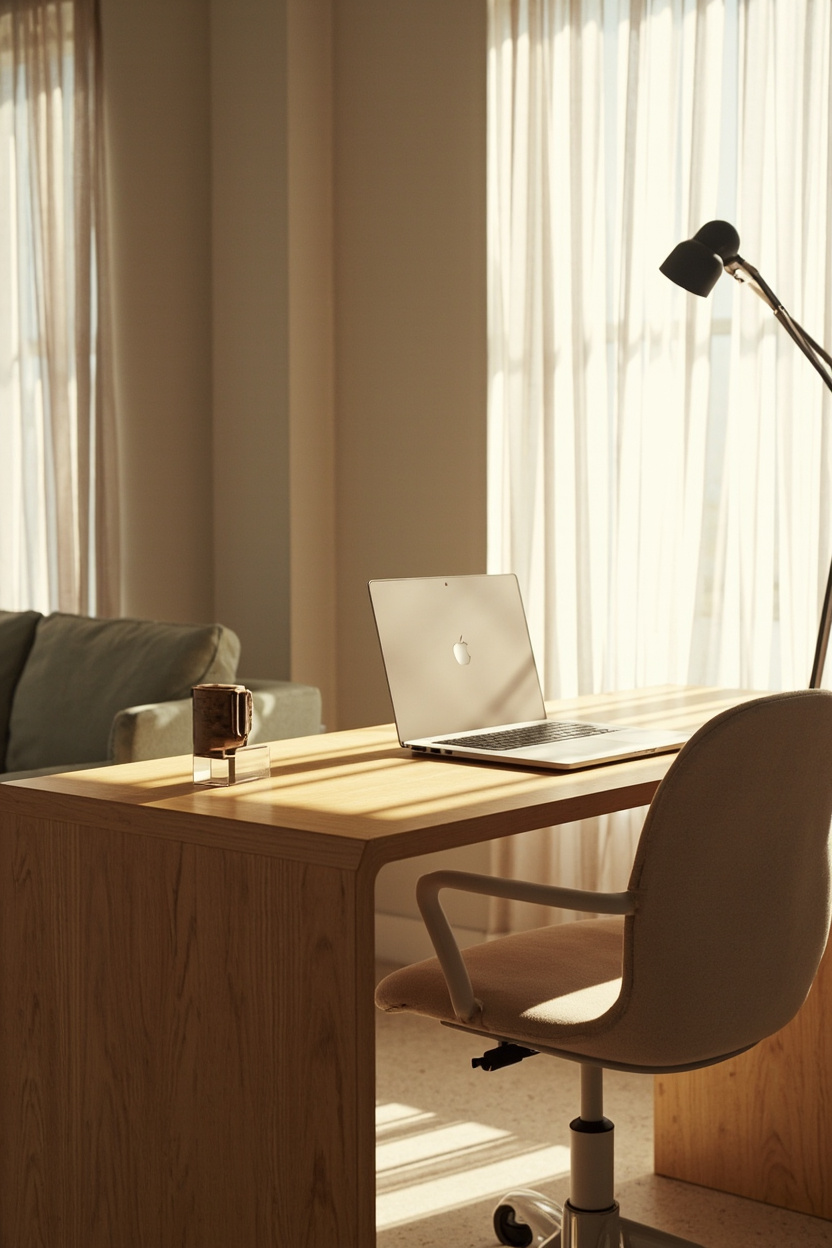
Design the desk footprint to accommodate both solo focus and quick collaborative moments: a clear central work surface, a small side table for video calls, and an easily stashed monitor arm.
This zoned approach lets you switch postures and tasks without adding visual noise or permanent hardware.
Use modular storage like slim tambour cabinets or stackable trays so the setup adapts when you alternate between office and home workdays. Flexibility supports sustained productivity while keeping the minimalist aesthetic intact.
15. Maintaining Minimalism Long-Term
Create a monthly reset routine: clear surfaces, evaluate new items, and archive or donate what’s no longer useful. Consistent small edits prevent incremental clutter and make upkeep effortless rather than punitive.
Adopt simple systems, cable management, single-purpose containers, and a “one-in, one-out” rule for desk objects to preserve function and serenity over the years. These habits ensure the desk remains a tool for deep work, not a storage catchall.
You can pair this with ideas from 13 Minimalist Fall Decor Ideas That Celebrate the Season Without the Clutter.
FAQ
Aim for a surface that fits your primary tools (monitor, keyboard, notebook) with 12–18 inches of free space for writing and gestures; this promotes comfortable, uncluttered workflows.
Limit accents to one or two items with a clear purpose or emotional value, and choose neutral tones or natural textures to keep the visual field calm.
Task lighting with adjustable color temperature and a slim profile provides focused illumination without adding visual weight; position it to avoid screen glare.
A quick daily tidy and a focused monthly purge keep surfaces functional and prevent small items from accumulating into a distraction.
Final Thoughts
Minimalist desks amplify focus when they combine deliberate restraint with practical flexibility and a few personal touches.
Small systems, regular resets, modular storage, and curated accents—turn a tidy surface into a long-term engine for deep work.